
"Cloud vs traditional" is usually a proxy war between marketing departments. Owners ask a simpler question: which one keeps more money in my pocket over five years? This guide runs that math properly: licenses, servers, updates, outages, branches, and ends with the architecture that actually fits shops in Pakistan, UAE and Bangladesh, where "the internet went down" is a daily scheduling fact, not a hypothetical.
Definitions without marketing
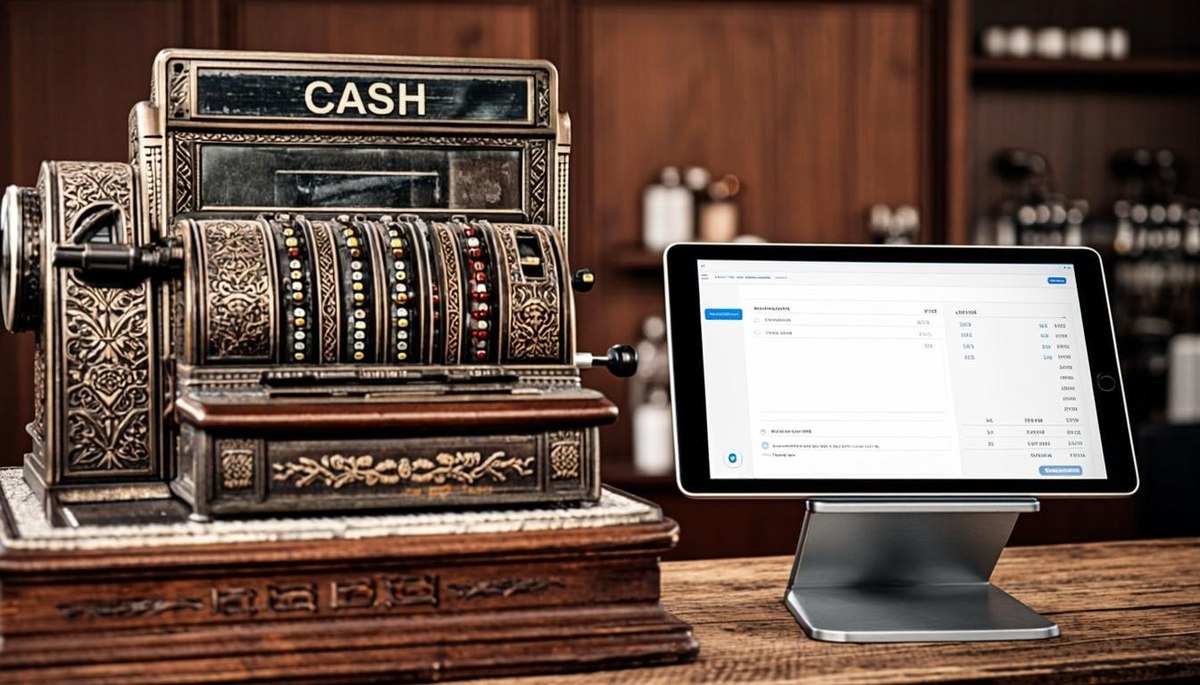
Traditional (on-premise) POS: software installed on your PC or a local server; data lives in the shop; updates arrive as paid upgrades or USB installs. Cloud POS: software runs in a browser (or app) against hosted servers; data lives off-site; updates are automatic; the owner's phone is a full dashboard. Both bill customers, the difference is where the software and data physically live.
The 5-year cost table
| Cost line | Traditional POS | Complete cloud (MrPOS) |
|---|---|---|
| License / subscription | One-time license + paid major upgrades | PKR 5,000/mo or PKR 30,000 lifetime (~$108) |
| Local server (multi-branch) | PKR 150,000-400,000 + UPS + maintenance | Not needed |
| Backups | Manual, hope-based | Automatic, off-site |
| New feature updates | Re-purchase or freeze | Included continuously |
| Multi-branch reporting | Consolidate by hand / WhatsApp | One live login |
| Owner access from phone | Remote-desktop gymnastics | Native dashboard |
| Downtime risk | Shop PC dies = shop stops | Offline billing + cloud recovery |
The pattern is consistent: traditional systems look cheaper on invoice and cost more in weeks: server failures, backup amnesia and branch consolidation are where the money actually goes. Our register-vs-POS leak guide showed the same shape at a smaller scale.
Where traditional genuinely wins
Fairness first. Traditional wins when: your connectivity is truly chronic (days-offline weekly), policy forbids off-site data, or you bought a licensed system years ago and it still runs perfectly for a single counter. For a one-counter shop with good internet discipline, the difference can be small, the decision matters more when you add branches, want mobile reporting, or cannot afford data loss.
The cloud objection that matters: "but what if internet dies?"
This is the right objection, and the reason architecture matters more than labels. A cloud-only system that cannot bill offline is disqualified in South Asian retail, full stop. The correct design is cloud with offline billing: the counter keeps billing during outages, queues transactions locally, and syncs automatically when the line returns. That is exactly how MrPOS is built, you get the cloud's visibility without surrendering to the router.
Data safety: the quiet differentiator
Shops lose more data to theft, fire and dead hard drives than to hackers. Cloud platforms replicate automatically; traditional setups depend on the backup habit of whoever remembers. If your current answer to "when did we last back up?" is a shrug, that is your decision made: regardless of what the license costs.
The hybrid truth most vendors won't say
MrPOS offers both models: cloud platform and self-hosted licensing, because real businesses differ. But the recommendation logic is simple: if you will ever have two branches, want the owner dashboard on your phone, or cannot guarantee daily backups, the complete cloud platform is the cheaper five-year answer; if you run one counter with solid internet discipline and prefer owning a license forever, the lifetime plan gives you that too.
Decision checklist
- More than one branch now or planned → cloud.
- Owner wants live numbers on phone → cloud.
- Internet unreliable → cloud WITH offline billing (ask to see it in demo, unplug the router!).
- Data-loss intolerable → cloud (or traditional + disciplined backups you can prove).
- Want to own once, forever → lifetime license (PKR 30,000 ≈ $108) on the same platform.
- Single counter, everything calm → either; pick by support quality and export freedom.
Frequently asked questions
Is cloud POS cheaper than traditional over 5 years?
For multi-branch or mobile-reporting needs, usually yes: server hardware, manual backups and paid upgrades disappear. For a single counter with disciplined backups, costs can be similar; decide on features and data safety.
Can cloud POS work without internet?
The right architecture, yes. MrPOS bills offline during outages and syncs automatically on reconnect: ask every cloud vendor to demonstrate offline billing with the router unplugged before you buy.
What does a traditional POS really cost to run?
Beyond the license: server hardware and UPS for multi-branch setups, maintenance, manual backup discipline and paid major upgrades, the costs that make cloud platforms competitive over 5 years.
Is my data safer on-premise or in the cloud?
Statistically, shops lose data to theft/fire/hardware failure more than hacking. Cloud replication protects against all three; on-premise safety depends entirely on your backup discipline.
What does MrPOS cost in either model?
PKR 5,000/month (~$18) or PKR 30,000 lifetime (~$108), the same complete platform, with cloud or self-hosted licensing available.
Next step: see it on your own data
MrPOS offers a free live demo (no card required): setup typically completes in one day, including data import. WhatsApp us at 0316 6132742 or message us for a free demo.
Explore the products: MrPOS ERP · MrPOS Retail · MrPOS RMS, or use the Your Number calculator to estimate how much your current setup is leaking.